How It Works
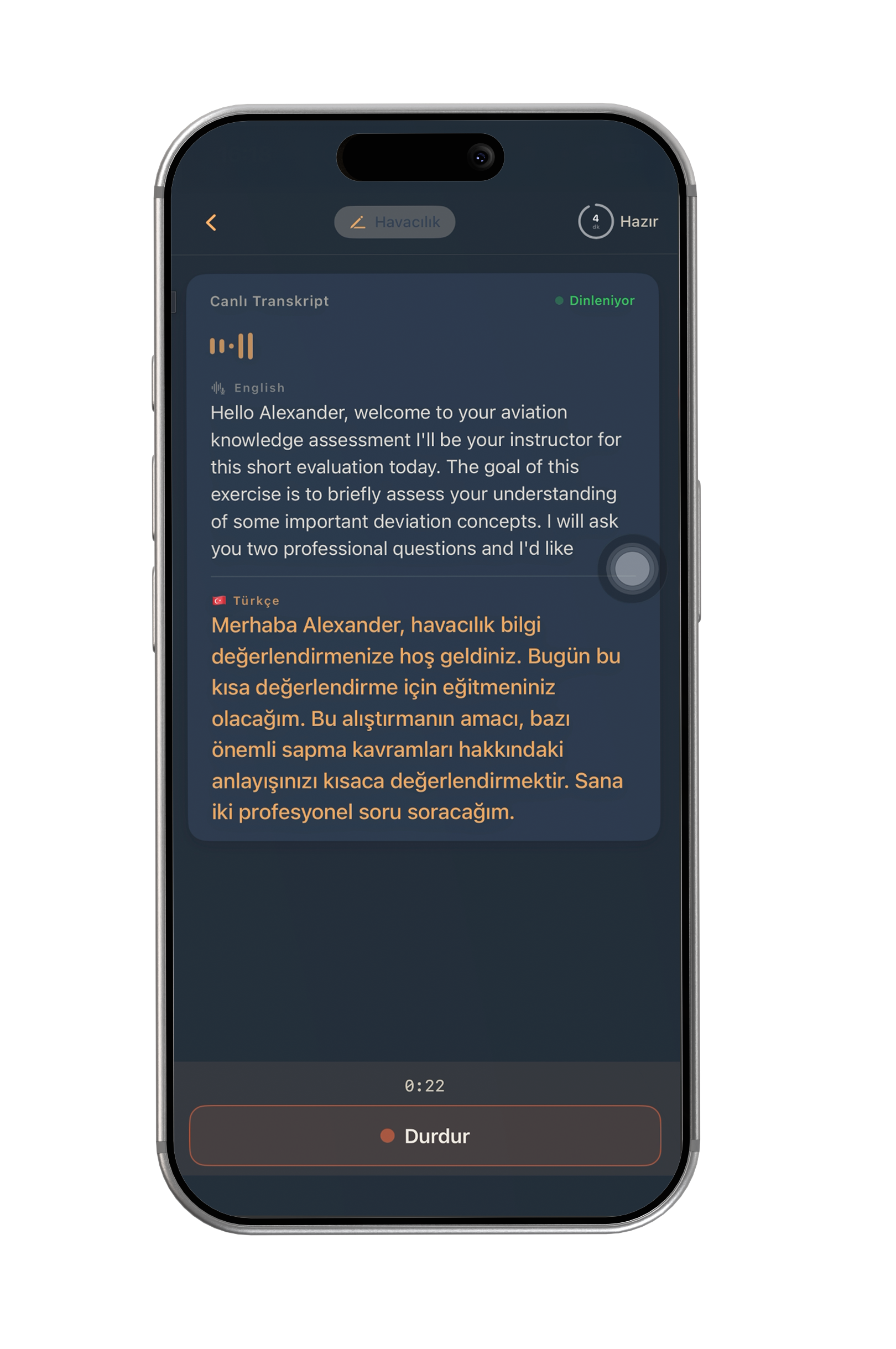
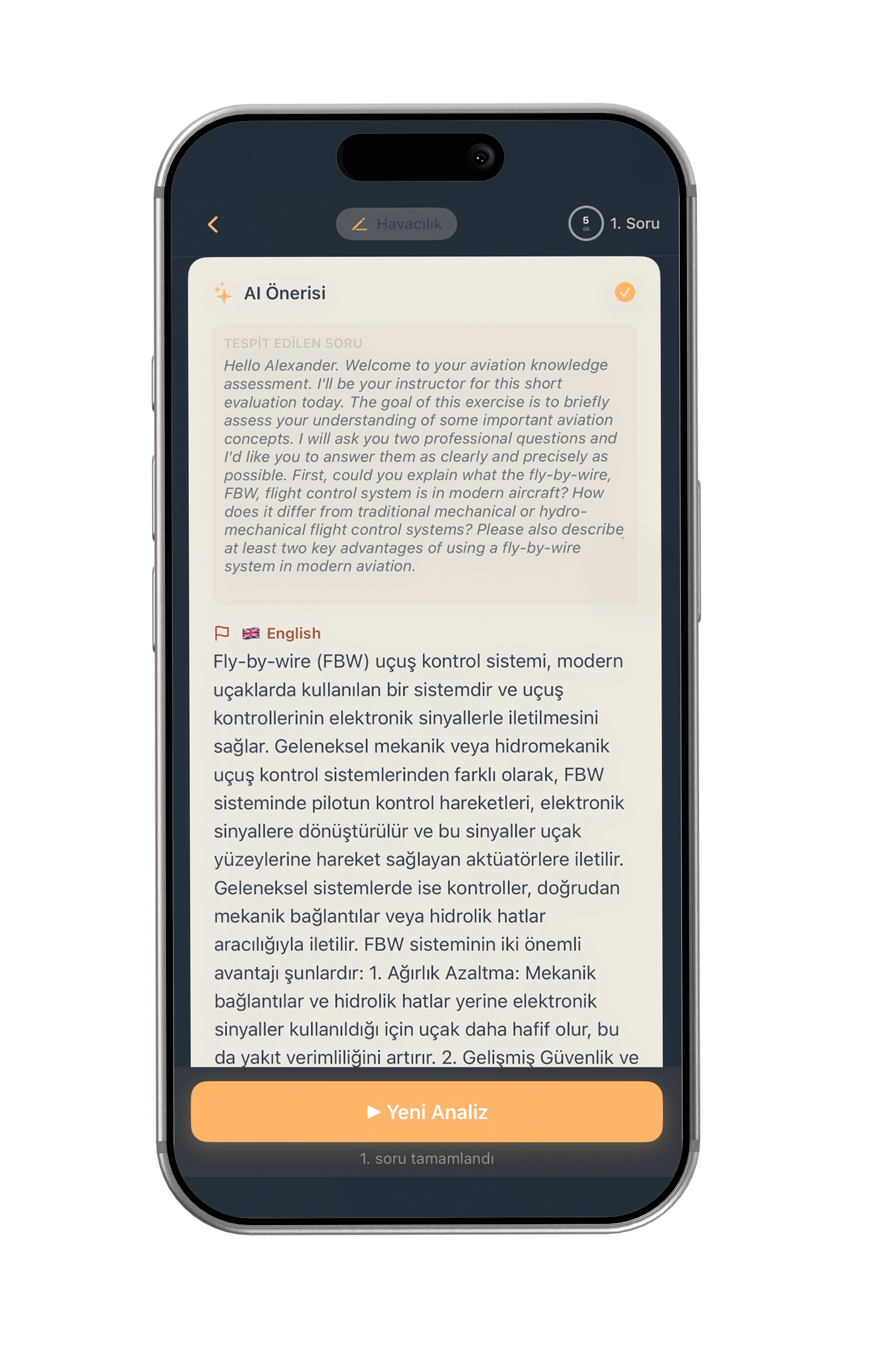
Start a live session — microphone turns on. As the other party speaks, SFSpeechRecognizer produces English text and Apple Translation converts it to Turkish on screen. When you're ready, tap "Answer" — recording stops, WAV + context goes to the backend, and you receive a field-specific AI answer.
- Login: Email or anonymous (guest mode)
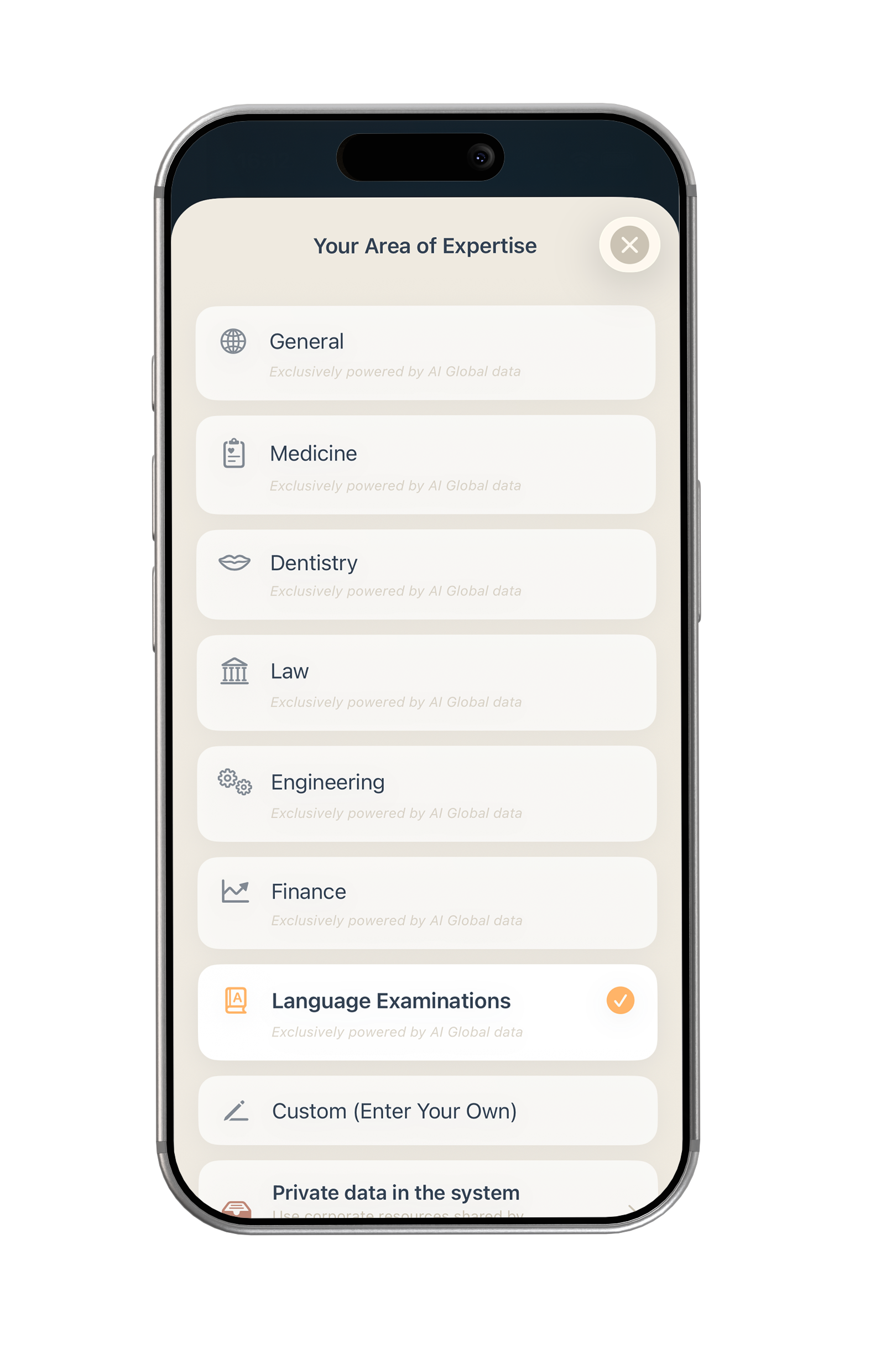
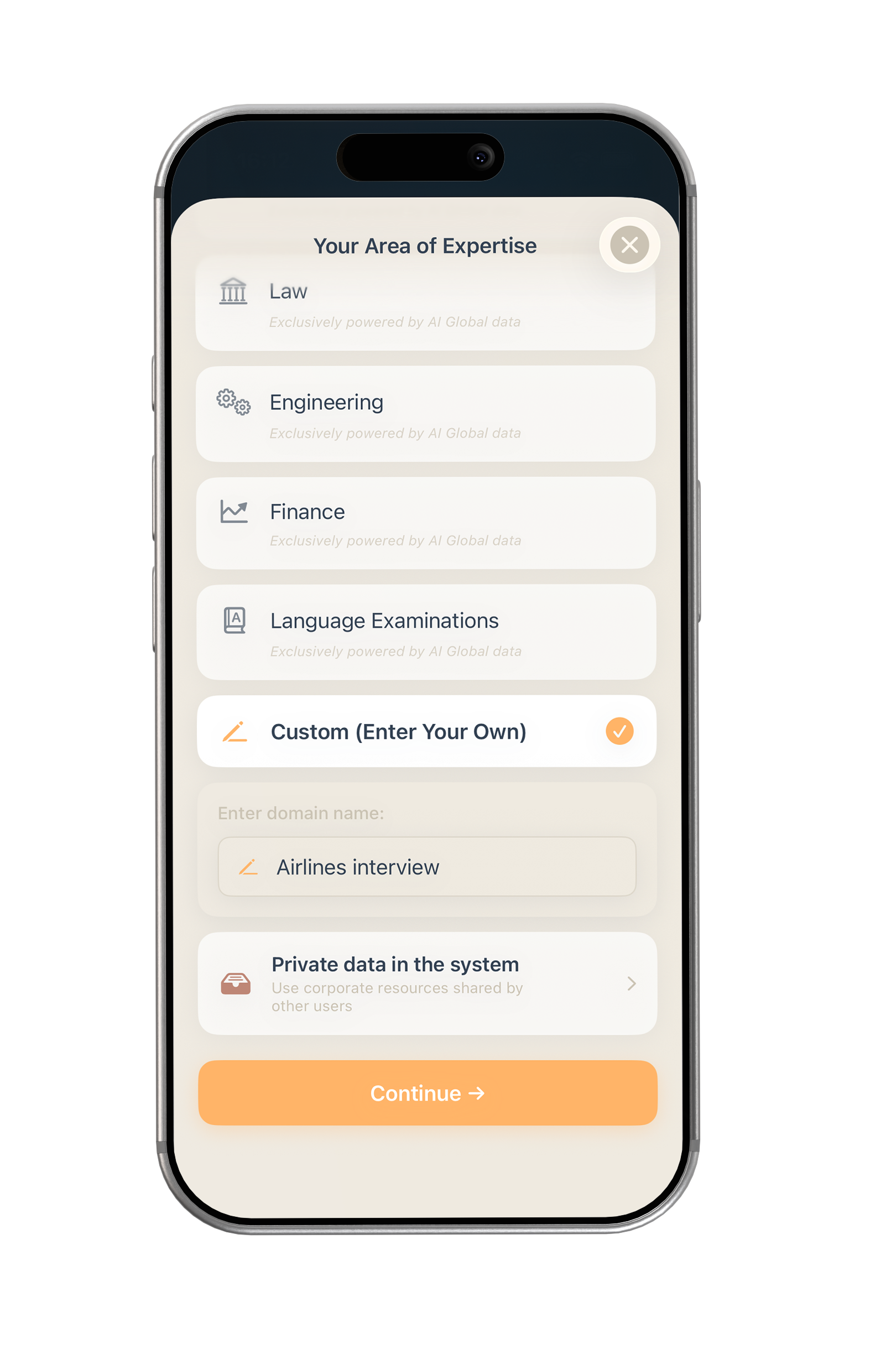
- Select specialty: Medicine, Law, Engineering, etc. or custom field
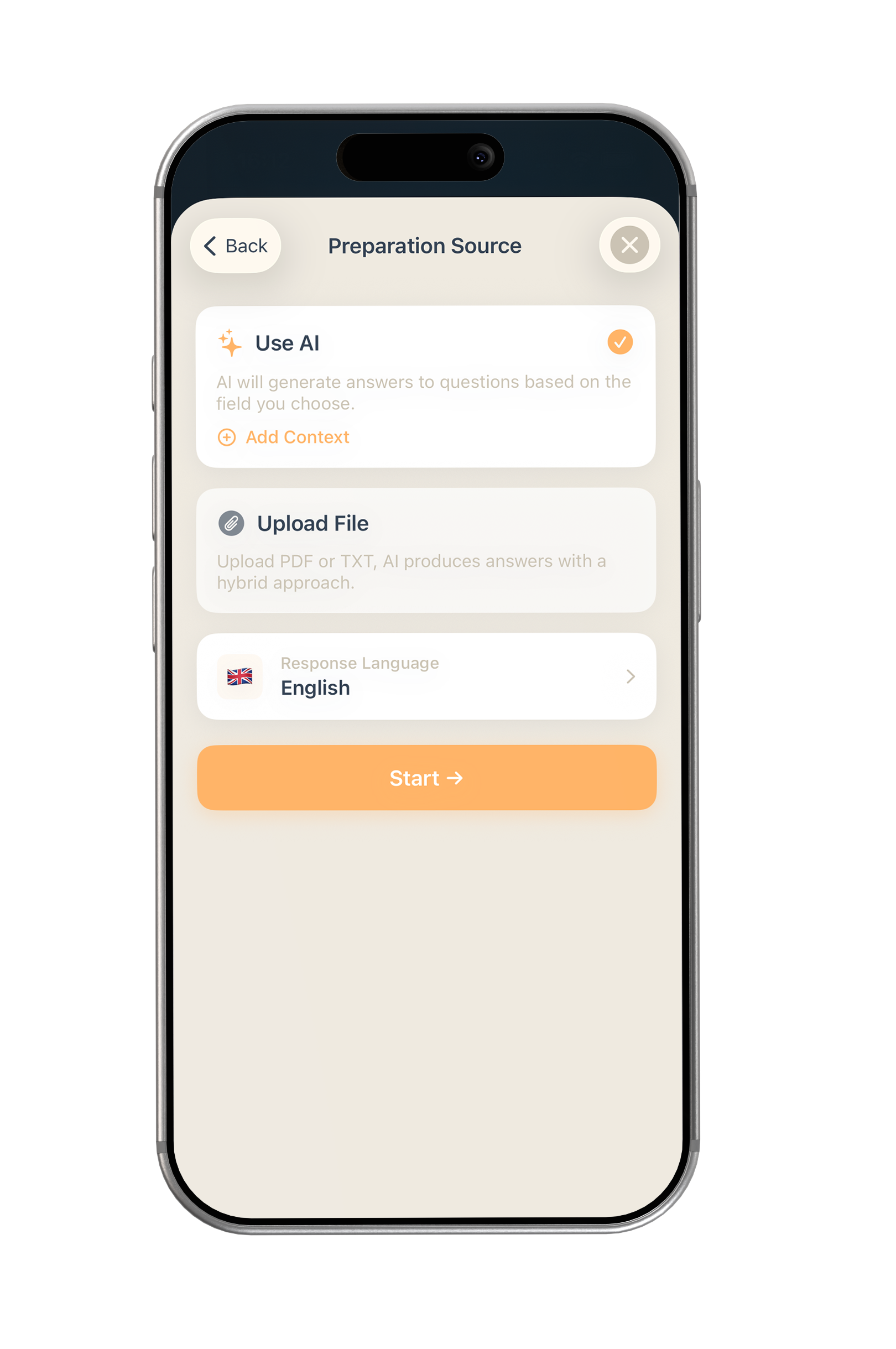
- Add context (optional): Manual notes, PDF upload, or server document
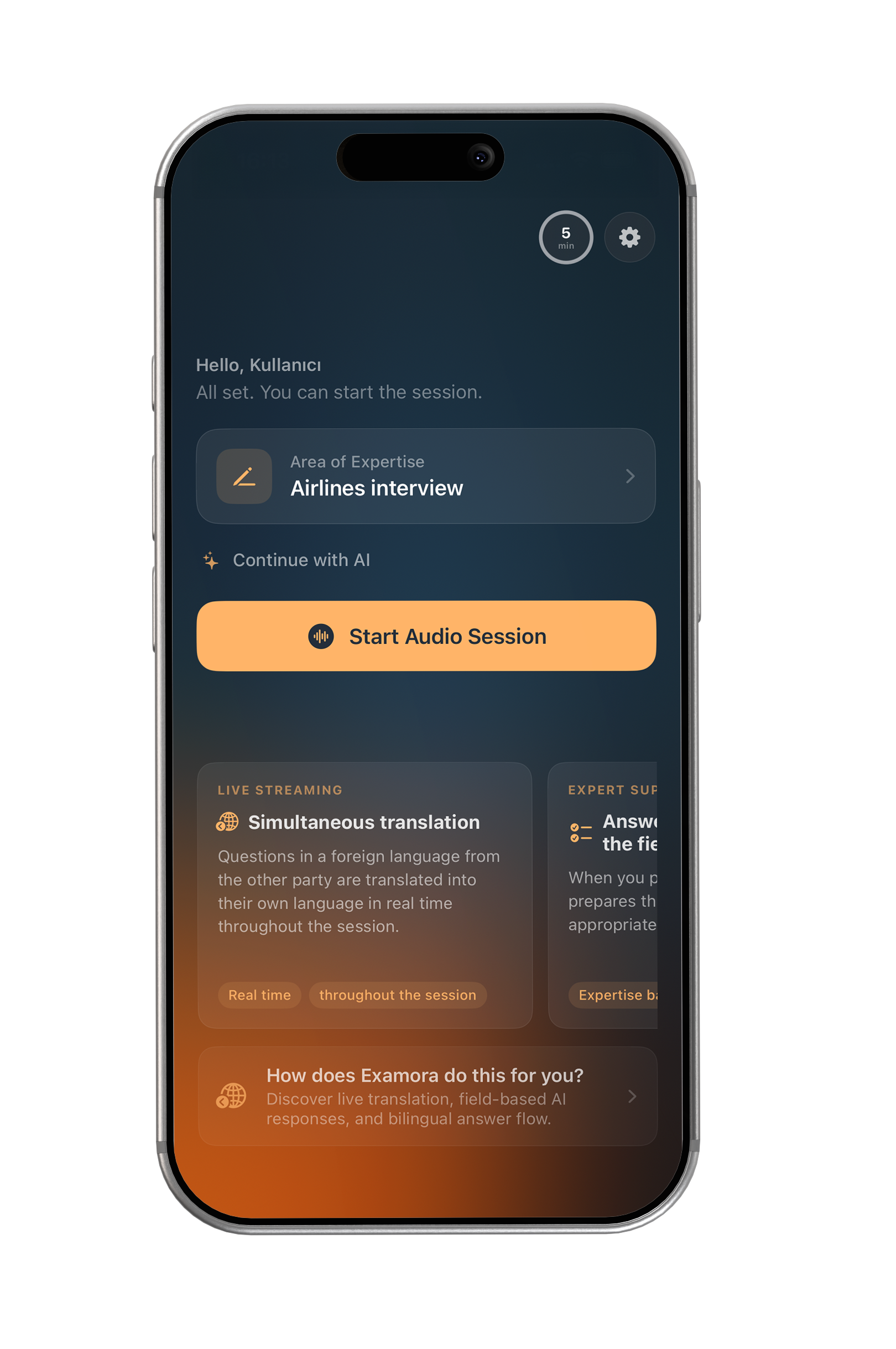
- Start session: Microphone activates
- Listen: Speech → text → Turkish translation in real time
- Answer: Recording stops, WAV + context sent to backend
- Get AI response: Field-appropriate answer displayed